
Google requires apps that store personal data on Android phones have a way for users to permanently delete that data.
Password Locker does not store any of its data from your phone on the cloud. So, here are the instructions on how to remove your data from the Password Locker application:
- Start the Password locker application and login in.
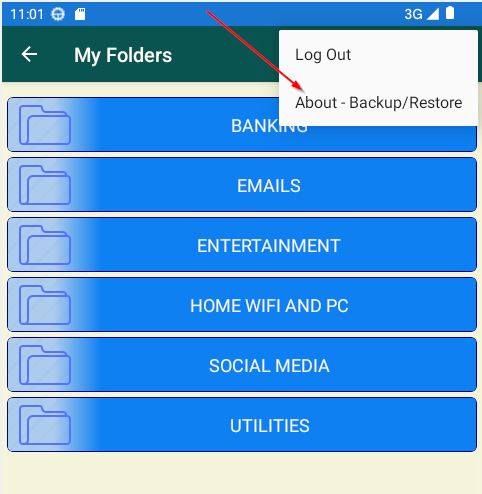
- In the upper right corner of the 'My Folder' screen touch the three dots to invoke the context menu and select the 'About - Backup/Restore' menu item.
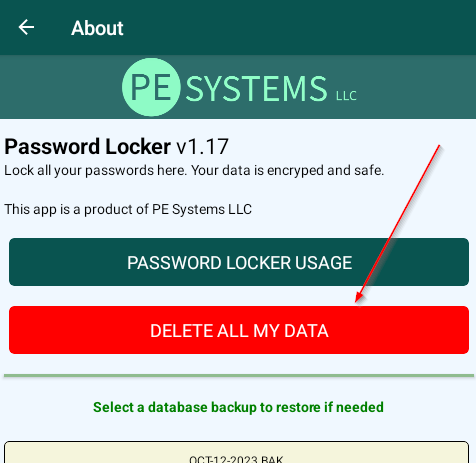
- Here you'll see the 'DELETE ALL MY DATA' button.
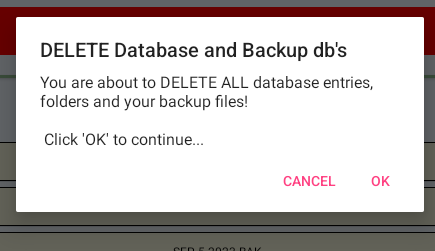
- Clicking this button will bring up a message box for you to continue to erase not only your current data but also your backups and your folders.
- You may now uninstall The Password Locker application from your phone if you so choose.